01 / TAGMake the details
Make the details
discoverable.
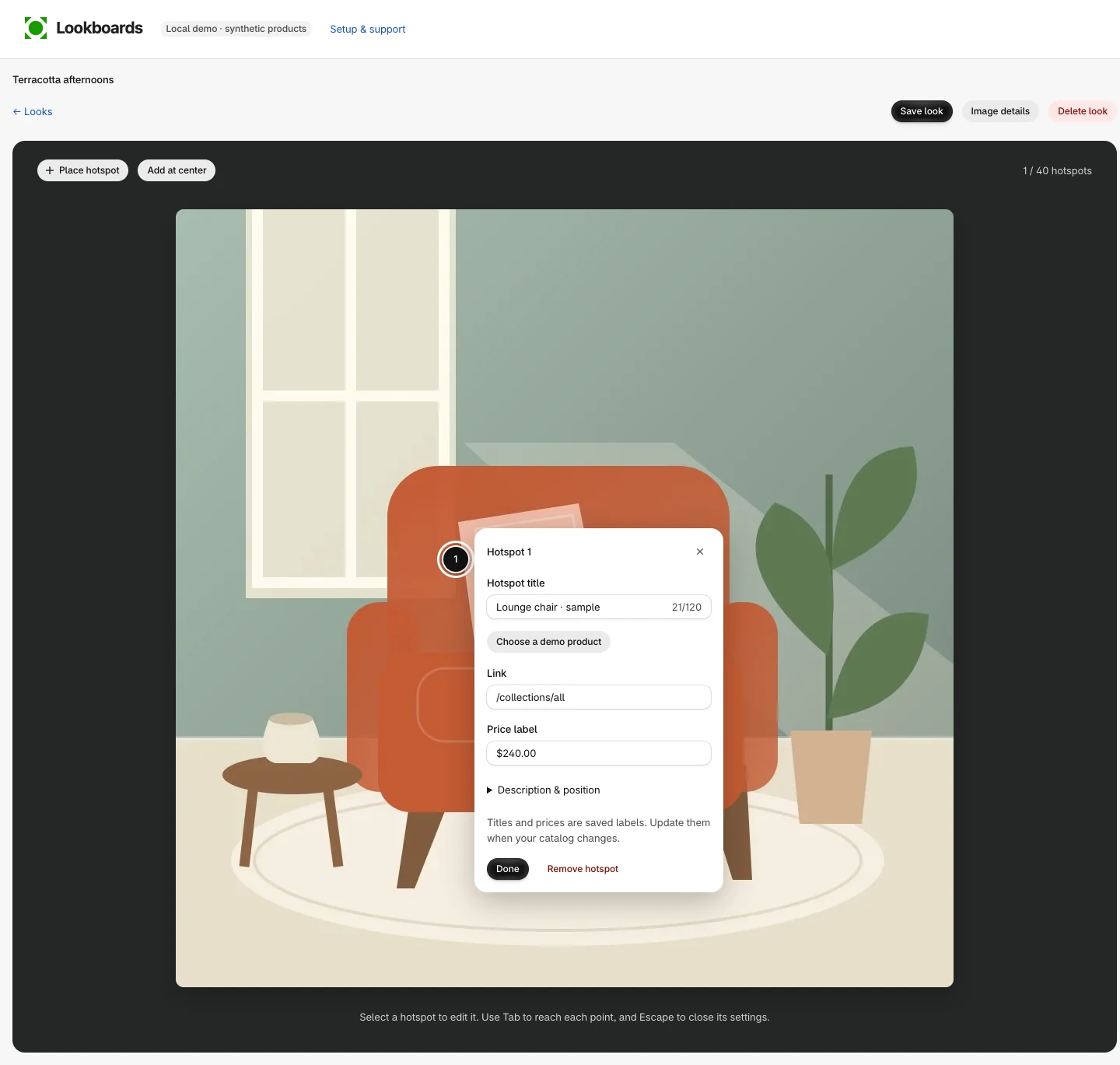
Upload a look and place hotspots on the pieces that matter. Choose a Shopify product and variant, or add your own link.
Give every point a title and an optional price label. You’re in control of what it says.
02 / DESIGNA collection,
A collection,
your way.
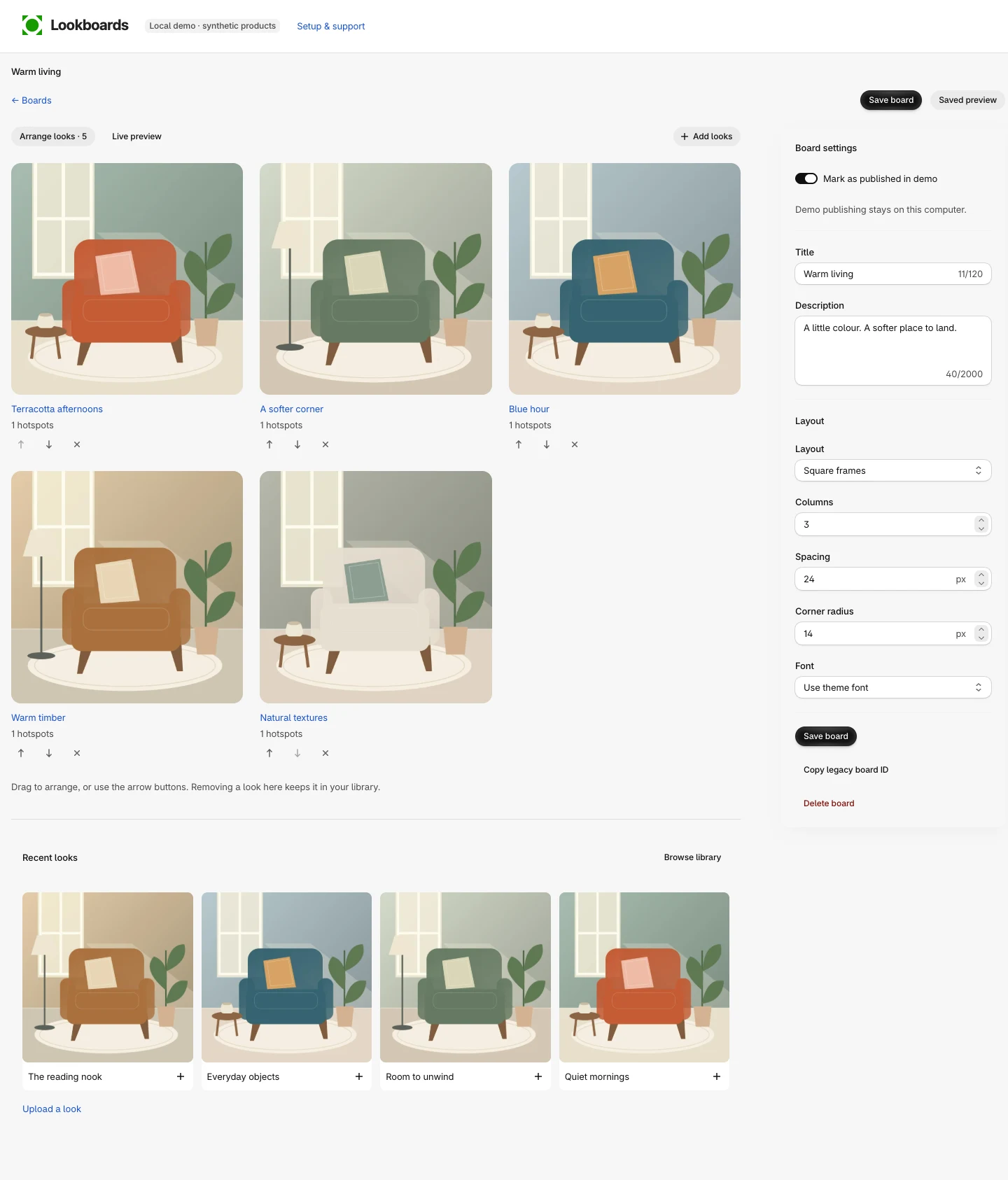
Bring your looks together on a board. Arrange the images, choose natural or square frames, and fine-tune columns, spacing and corners.
See your changes as you work, then save when everything feels right.
03 / PUBLISHAt home
At home
in your store.
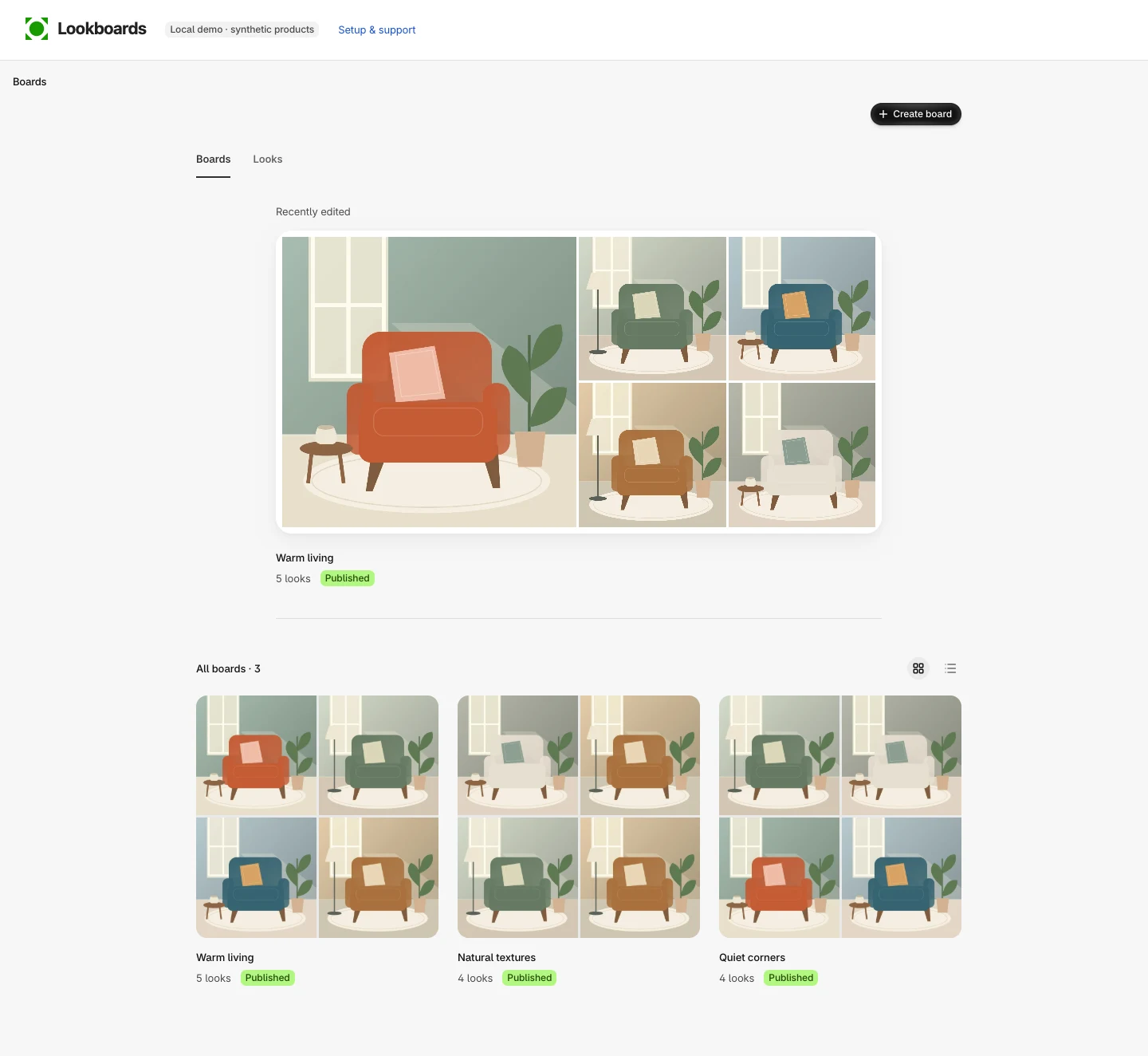
Save a published board, add the Lookboards gallery block to your theme and choose your board by name.
Preview the page, check your links and save your theme.
Follow the setup guide →FROM BOARD TO STOREFRONT
- Publish & save your boardYour saved board becomes available in the theme picker.
- Add to themeChoose a template and open the theme editor.
- Select Board → your board’s namePosition the gallery, preview it and save the theme.
An Online Store theme with app-block support is required.